

Website Fix Service for Broken Layouts, Forms, Links, and Display Issues.
Xander Web Studio provides a practical website fix service for businesses that need to fix broken website layout problems, mobile display errors, non-working forms, incorrect links, CMS issues, and other website problems that affect visitors.
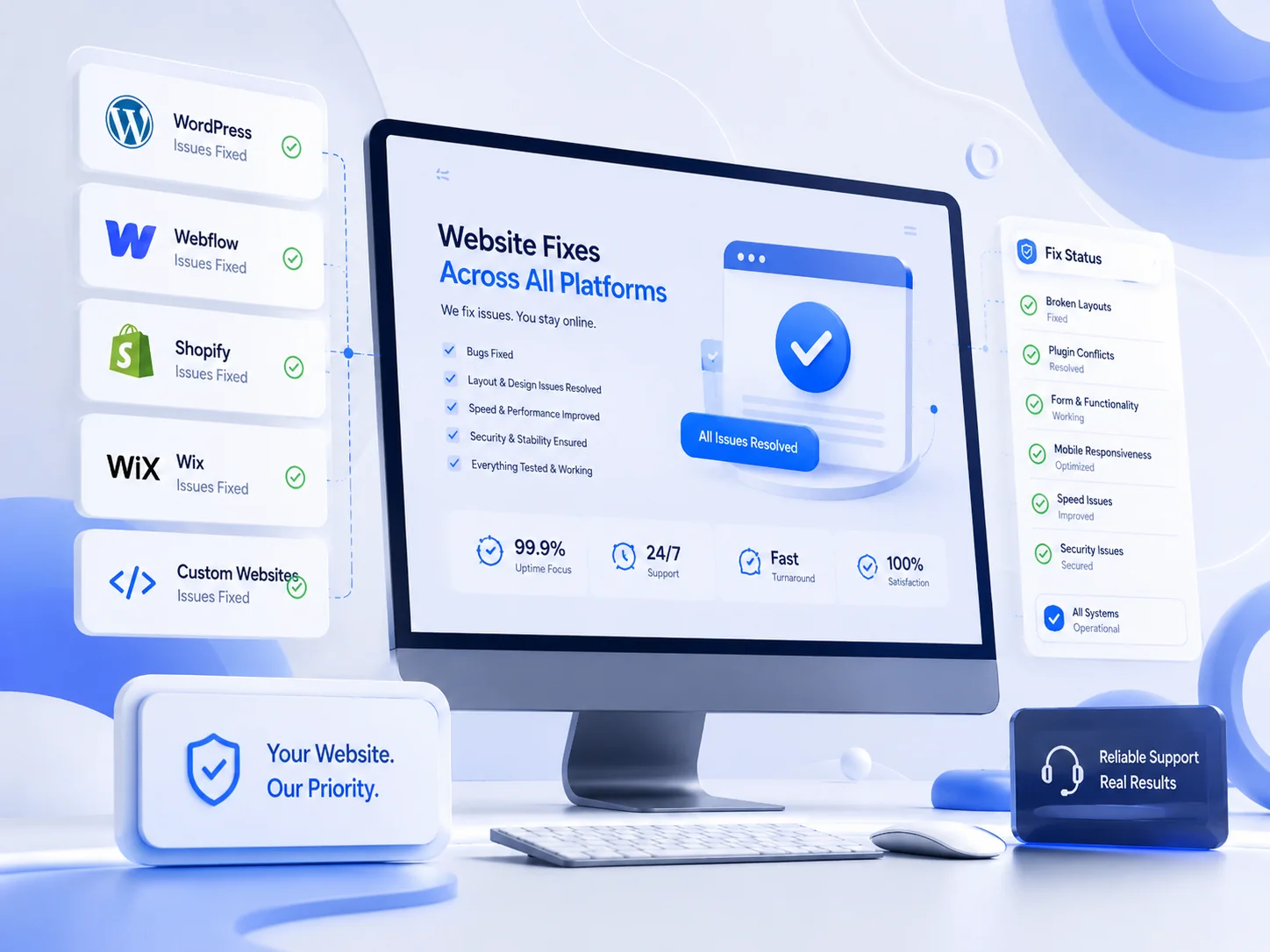

A Website Troubleshooting Service for Problems That Slow You Down
Website issues can appear after a content update, plugin change, template edit, new integration, or publishing mistake. A page may shift out of place, a form may stop working, or an important button may lead to the wrong destination.
This website troubleshooting service focuses on identifying the visible problem, reviewing the likely cause, and applying a careful repair without making unnecessary changes to the rest of the site.
For recurring updates and maintenance after the repair, you can also use website support services or request structured CMS updates.
Practical Repairs for Common Website Problems
Get focused help with broken layouts, mobile issues, forms, links, CMS content, headers, footers, and other display or functionality problems.
Fix Broken Website Layout
Repair crowded, misaligned, overlapping, stretched, or inconsistent sections so the page looks cleaner and follows the existing website design.
Mobile Website Layout Fix
Correct mobile spacing, section stacking, image display, text wrapping, alignment, and button sizing across important pages.
Website Form Not Working Fix
Review field display, required fields, submit buttons, confirmation messages, embedded forms, styling, and basic submission behavior.
Fix Website Buttons and Links
Repair buttons, menu items, footer links, call-to-action links, anchors, and redirects that are broken or pointing to the wrong page.
Website Display Issues Fix
Troubleshoot missing content, incorrect fonts, image sizing, overlapping elements, CMS display problems, and staging-to-live differences.
WordPress Website Fixes
Review theme, plugin, Elementor, template, responsive, form, and content display issues while preserving the current website structure.
Webflow Website Fixes
Repair static page, CMS, responsive breakpoint, component, interaction, navigation, form, and publishing issues in Webflow.
Fix Website Header Footer
Correct navigation, dropdowns, logos, calls to action, footer links, contact information, spacing, and mobile menu display.
Website Repairs Across Popular Platforms
Every website uses a different platform, theme, builder, and publishing workflow. Repairs are based on the actual website setup and the specific issue that needs to be resolved.

Why Website Repairs Matter
Small errors can reduce trust, interrupt lead generation, and make a professional website feel unfinished. Fixing them early helps protect the customer experience.
Flexible Website Repair Help for Businesses and Teams
This service is a good fit for website owners who need focused repairs without risking unnecessary changes to the live site.
A Simple Website Fix Process
Each issue is reviewed carefully so the repair is completed cleanly and checked before the task is considered finished.
Send the Issue
Share the website URL, page link, screenshots, browser, device type, and a clear description of what is not working.
Review the Problem
The page, layout, CMS, form, mobile view, plugin, link, or deployment setup is reviewed to identify the likely cause.
Apply the Fix
The repair is completed with attention to layout, responsiveness, functionality, and the existing website design.
Complete the Final Check
The page is reviewed again to confirm the problem is resolved and the result works across important devices.
Website Fix Service FAQs
Answers to common questions about layouts, forms, WordPress, Webflow, buttons, links, and troubleshooting.
What does a website fix service include?
A website fix service can include layout repairs, mobile corrections, form troubleshooting, broken button and link fixes, CMS display repairs, header and footer updates, and checks across desktop and mobile.
Can you fix a broken website layout without rebuilding the site?
Yes. In many cases, the existing page can be repaired by correcting spacing, alignment, section widths, grid behavior, image sizing, or responsive rules without rebuilding the full website.
Can you help when a website form is not working?
Yes. A website form not working fix can include checking field display, required fields, button behavior, confirmation messages, styling, embed placement, and basic submission flow.
Do you provide WordPress website fixes and Webflow website fixes?
Yes. WordPress website fixes may involve themes, plugins, Elementor, templates, forms, or responsive layouts. Webflow website fixes may involve CMS content, components, breakpoints, interactions, or publishing differences.
Can you fix website buttons, links, headers, and footers?
Yes. I can fix website buttons and links that are broken or pointing to the wrong destination, and I can also fix website header footer issues involving menus, dropdowns, logos, calls to action, and contact information.
How does the website troubleshooting service work?
You share the website link, page URL, screenshots, browser or device details, and a description of the problem. The issue is reviewed, the likely cause is identified, and the fix is checked before delivery. For general questions, use the contact page.
Fix the Website Issues Holding Your Site Back
Get dependable help with broken layouts, mobile problems, forms, buttons, links, CMS display errors, headers, footers, and other website issues.
Send a Website Fix Request
Fill out the form with your website link, the issue you need fixed, screenshots if available, and your preferred call availability in Pacific Time. You can also learn more about Xander Web Studio or request deployment help through GitHub and Vercel support.